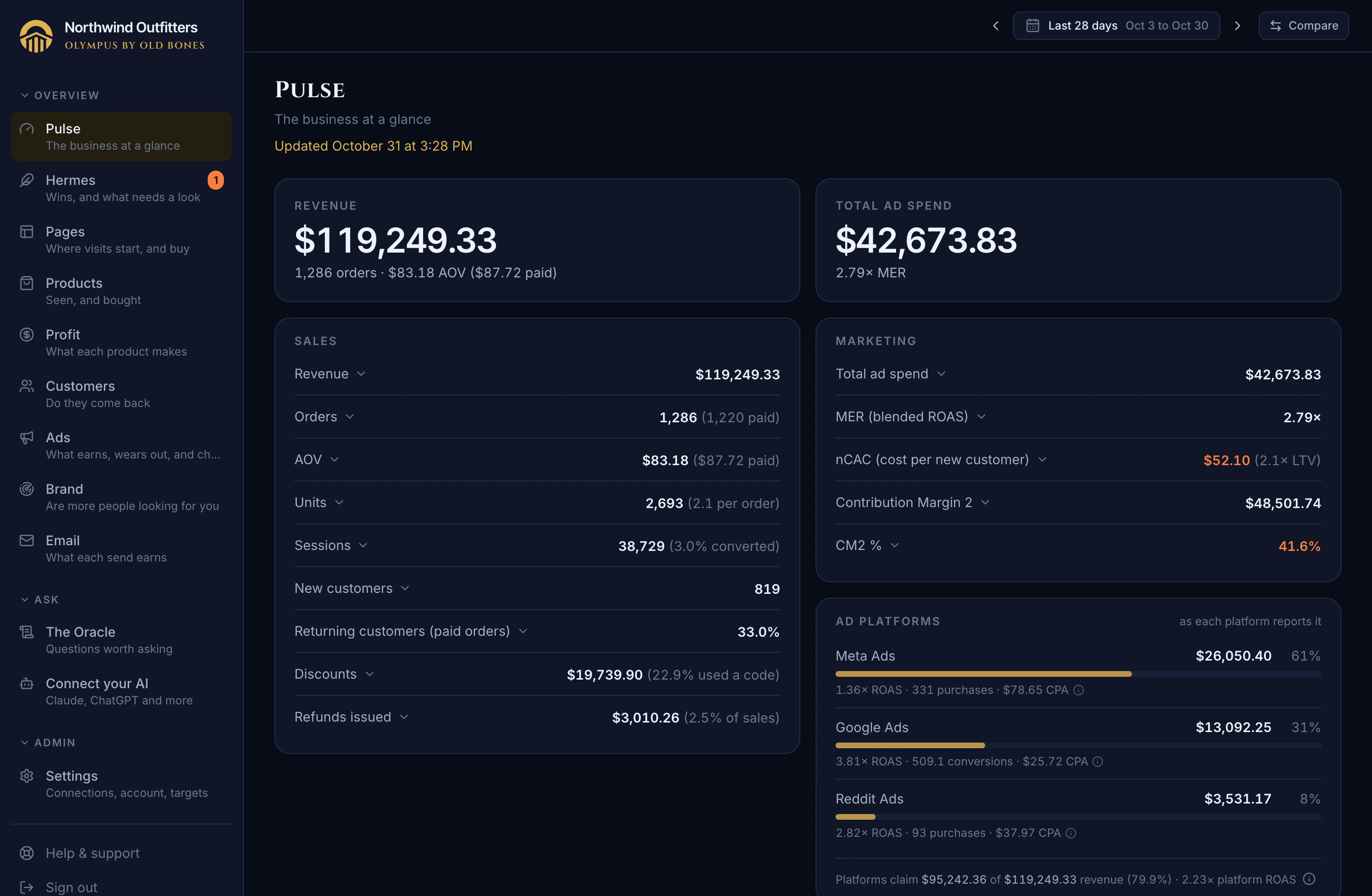
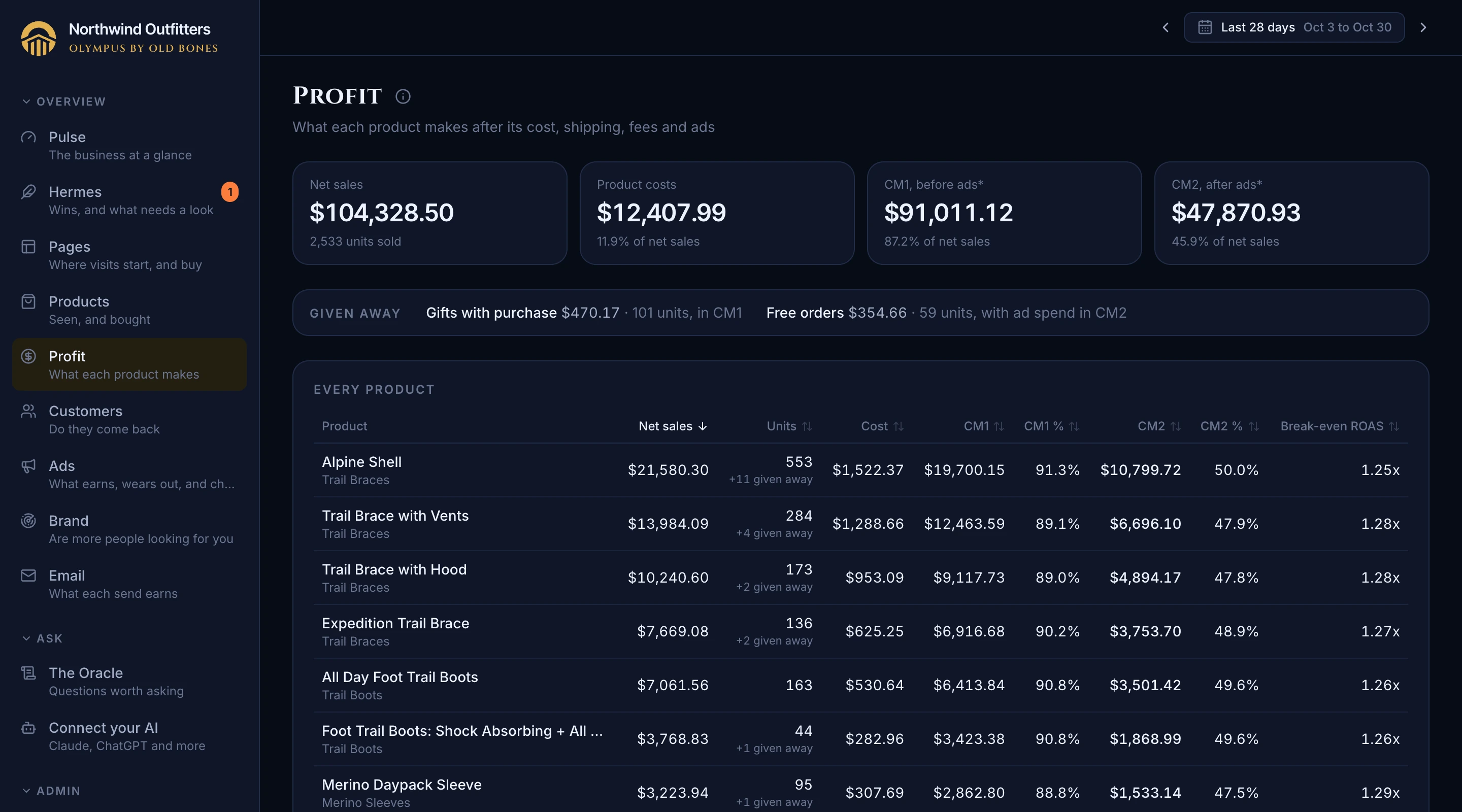
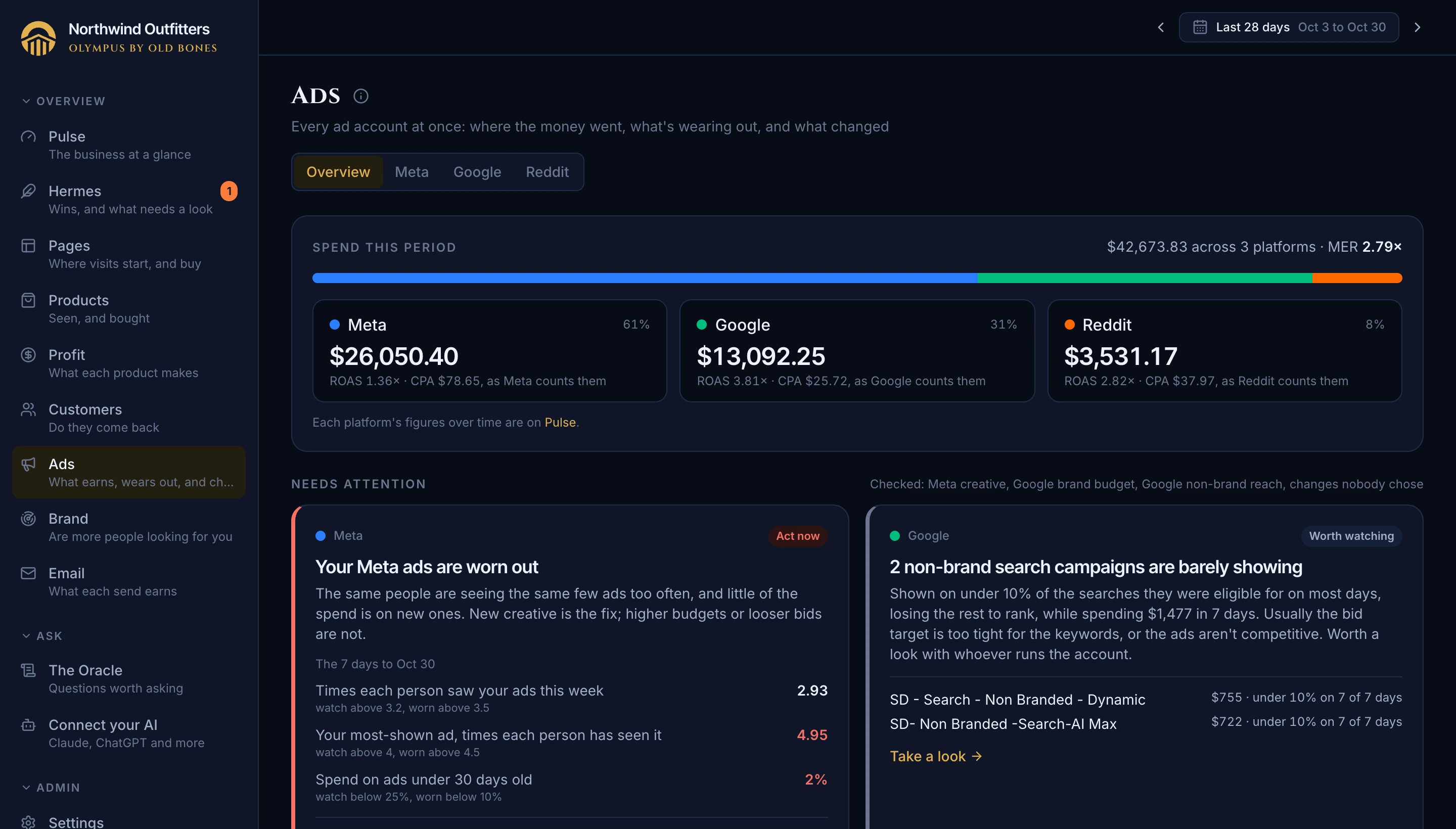
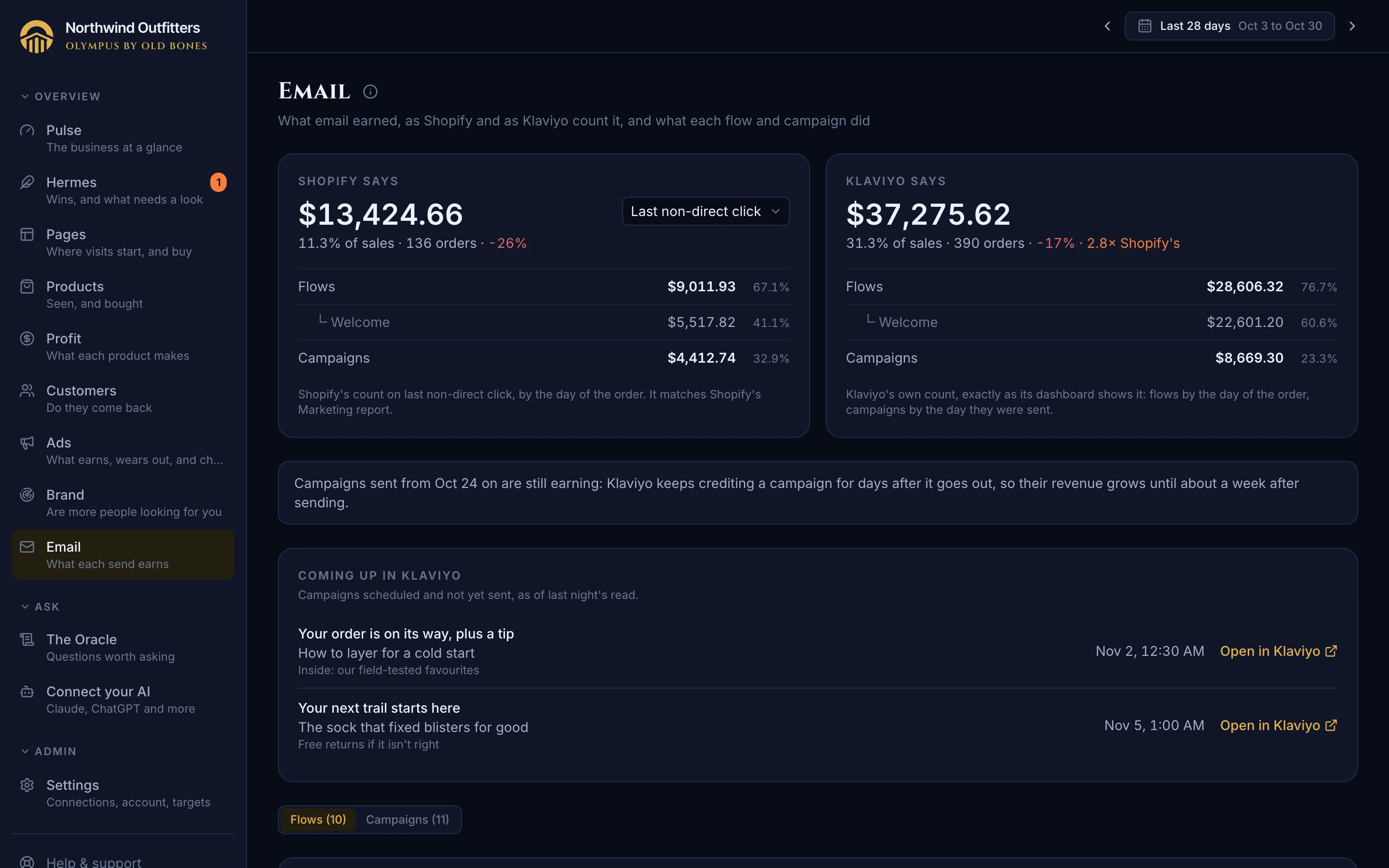
Your own Olympus in your own Railway account, connected with one sign-in per platform, with your history from day one.
Free
Sign up and Olympus sets itself up in your own hosting account, at your own address, so your data lives with you, not on a shared server. It updates itself whenever a new version ships. Hosting runs about $5 a month, paid straight to the host with no markup.
Sound familiar? Handing every number in your business to an analytics company's database to get a dashboard.
Where: Sign up at oldbones.ai
FreeMore on Pantheon
Open Olympus from your Shopify admin and see the last seven days, how far your history import has got, and four steps to set up (your store, your ad platforms, your email platform, Pantheon), with your council of specialists and one click into the full app. Home and Plan sit in the app's own menu.
Sound familiar? Another tab and another login to remember, just to check how the week is going.
Where: Shopify admin, Apps
Free
Connect Shopify and Olympus imports your last 13 months right away: the last week first, so Pulse is useful in minutes, then the rest in the background. No waiting a month for charts to fill in.
Sound familiar? New analytics tools that start empty and need weeks before they say anything.
Where: Setup, Connect Shopify
Free
Sign in with the Reddit account that runs your ads and pick the ad account. Olympus brings in its history back to when the account was created, a month at a time, so it takes a minute, and keeps it current every night. Your total ad spend, MER and blended ROAS then count Reddit too, and Reddit gets its own line on Pulse beside Meta and Google. Read-only; disconnect from Settings at any time.
Sound familiar? Blended numbers that leave out a whole ad channel because connecting it meant minting API tokens by hand.
Where: Settings, Connections
Free
Sign in with the TikTok for Business account that runs your ads and pick the ad account. Olympus brings in its history back to when the account was created, 30 days at a time, and keeps it current every night, re-checking the last four weeks as late purchases come in. Your total ad spend, MER and blended ROAS then count TikTok too, and TikTok gets its own line beside Meta, Google and Reddit, with its website purchases, ROAS and video views by campaign. Read-only; disconnect from Settings at any time.
Sound familiar? Blended numbers that leave out TikTok, often a store's third-biggest ad channel, because no tool connected it without a spreadsheet.
Where: Settings, Connections
Free
Sign in with Klaviyo and approve read-only access. Olympus brings in your campaign and flow results and the revenue Klaviyo credits to email, as far back as your sales go, in minutes, then keeps them current every night, next to your sales and ad spend. Email revenue shows two ways: what Shopify's own order data credits to email, and what Klaviyo credits itself, with the gap between them. Olympus never reads your subscribers or customer profiles; disconnect from Settings at any time. Start from Olympus's Setup page.
Sound familiar? Pasting a private API key to see email next to the rest of the business, then two email revenue numbers that disagree and no way to tell which to trust.
Where: Setup, Recommended; Settings, Connections
Free
Sign in with Google once and pick your GA4 property and your Search Console site. Olympus brings in their history as far back as your sales go (Search Console keeps 16 months), the last 90 days within minutes, and keeps them current every night. Read-only, and you can disconnect from Settings or your Google account at any time. Google Ads joins the same connection when you connect your ads.
Sound familiar? Creating a Google Cloud project and a service account, then sharing it into Analytics and Search Console, just to see your own numbers.
Where: Settings, Connections
Free
Your first import brings in 13 months so Olympus is useful within the hour. From Data coverage you can then go further back, 2 years, 3, or everything since your first order, a year at a time, newest first, so a full year-over-year comparison works as soon as the year before last is in. Each choice says roughly how long it takes. Your ad platforms and Google follow as far as each keeps its own history, and a stretch where Shopify recorded sales but not visits is shown as sales only, never as days nobody came.
Sound familiar? A year-over-year comparison that comes up empty because the tool only knows the last year.
Where: Settings, Data coverage
Free
Data coverage, in Settings, draws each data source on your sales timeline, so you can see at a glance which ones fall short of your Shopify history. Where Olympus can fetch the missing months, one click matches them and the bar fills in as they arrive. Where it can't, it tells you why in plain words. It checks the figures inside each day too, so a day saved without its sessions or spend is named rather than hidden behind a checkmark.
Sound familiar? Not knowing whether a year-long report is built on a year of data, or on three months of ads.
Where: Settings, Data coverage
Free
Invite anyone by email. Admins can run the store's Olympus with you: connections, targets and the team. Members read every page and change nothing. Everyone sees the same numbers, product costs and margins included, because a team needs them to do its job. Everyone signs in with their own email, at oldbones.ai or the store's own address, by emailed link or password, and a forgotten password resets by email. Need help? Turn on support access and the Olympus team can sign in to troubleshoot, until you turn it off.
Sound familiar? Sharing one login with everyone, or screenshotting numbers into Slack so the team can see them.
Where: Settings, Team & access
Free
Click your store's name at the top of the menu to see every Olympus you own or are on the team of, and open any of them in the same tab. Each store keeps you signed in for 30 days from the last time you used it, so switching is a click. Work under more than one email? Add each one at oldbones.ai/stores and they share one list. No store ever sees the others you work on.
Sound familiar? Signing in again and again, or digging through emails for a link, to check a second brand or a client's store.
Where: The store's name, top of the menu; oldbones.ai/stores
Free
Settings, Connections has a Disconnect button for Shopify, as for every other source. It uninstalls Olympus from your store for you, so collecting stops and your plan's billing through Shopify ends at the same moment. Before anything happens it tells you plainly what follows: what was collected from Shopify is erased 48 hours later, unless you connect again before then.
Sound familiar? Leaving a tool and having to hunt through Shopify's app settings to make sure it really stopped, and stopped billing.
Where: Settings, Connections, Shopify
Free
Short guides at oldbones.ai/help for the steps that need a word of explanation: connecting your AI, connecting Klaviyo, and what to put in Shopify's Cost per item so your margins are right. Help & support, at the foot of the menu on every page, gathers them with the address to email, what to put in it, and how to let support take a look. The same address takes your ideas: what you wish Olympus did, and what you'd use it for.
Sound familiar? Getting stuck on a setup step with no one to ask.
Where: oldbones.ai/help; Help & support in the app's menu; linked from the steps they explain